



Running a small construction or renovation company in 2026 means juggling dozens of moving pieces: project schedules, subcontractor communication, budget tracking, safety documentation, client updates. Most construction managers we speak with are managing these critical operations through a chaotic mix of WhatsApp groups, scattered PDF files, spreadsheets, and physical paperwork on job sites.
Here's the frustrating truth: most construction management software was designed for large enterprises, not for the small and mid-sized teams that actually form the backbone of the construction industry.
This buying guide walks you through what to look for in construction site management software, explores the most common approaches small teams currently use, identifies the mistakes that cost money and time, and points you toward solutions actually built for how your business operates.
Why Small Construction Teams Need Different Software Than Enterprises
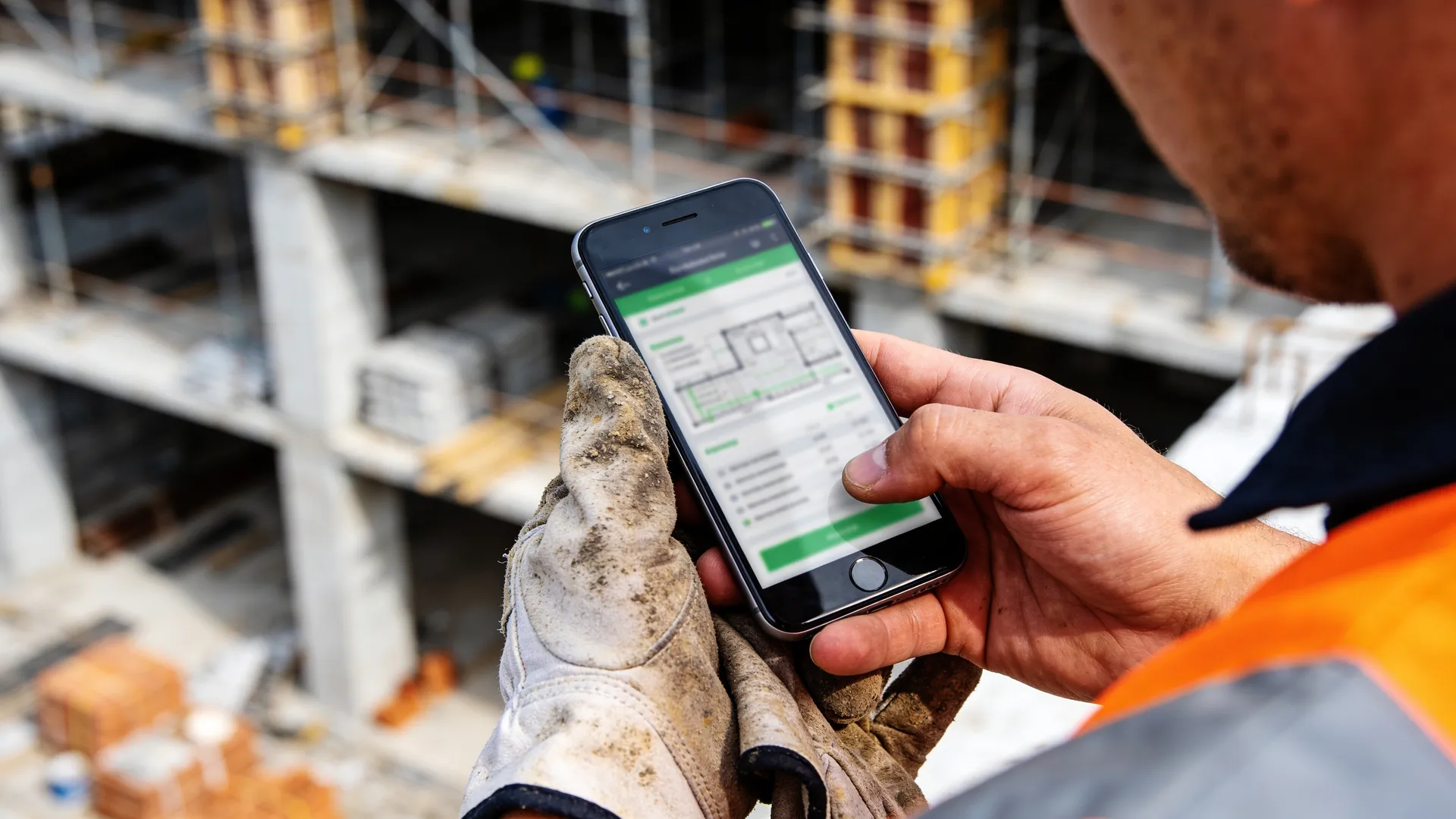
Before diving into specific features, let's establish why off-the-shelf enterprise construction management software often fails small teams.
Procore, PlanGrid, and similar platforms are powerful, but they come with several liabilities:
1. Complexity and bloat. These systems include features for resource scheduling at scale, multi-site portfolio management, and enterprise-grade integrations. Small teams don't use 80% of these features. Yet every feature adds confusion, required training, and steeper learning curves.
2. Cost. Enterprise solutions charge per user, per module, or per project. A small team of 5-15 people can easily spend $200-500+ per month for features they'll never fully utilize.
3. Mobile-first design isn't prioritized. Construction happens on the job site, not in an office. Your team needs to log time, photograph work, update progress, and sign documents from muddy boots and dusty sites. Many enterprise platforms treat mobile as an afterthought, with clunky apps or web experiences that drain phone batteries.
4. Overkill implementation. Setting up Procore properly means hiring consultants, migrating data, and weeks of configuration. A small construction company needs to start capturing data and improving visibility this week, not after a three-month implementation.
5. Vendor lock-in. Once your data lives in these systems, switching becomes expensive and disruptive.
Small construction teams need something different: software built specifically for how they work, at a price that makes financial sense, that gets teams productive on day one, and that prioritizes mobile access and simplicity.
What to Look For in Construction Site Management Software
When evaluating construction project management tools, focus on these non-negotiable criteria:
1. Mobile-First, Works Offline
Your team lives on job sites, not in the office. The software must:
- Work reliably on standard smartphones and tablets (iOS and Android)
- Capture data when connectivity is poor or unavailable, then sync when connected
- Load quickly even on spotty job site WiFi
- Not require app store downloads (PWAs are ideal for construction crews)
Why this matters: A site supervisor can't wait 10 minutes for an app to load, and they won't carry a tablet if their personal phone works fine. GPS-verified photo documentation, time tracking, and daily logs must all work from the phone in their pocket.
2. Replaces Paper and Spreadsheets
Your software should consolidate what currently lives in three places:
- Daily site logs and communications (currently scattered across WhatsApp, email, and paper notebooks)
- Time tracking and attendance (currently in spreadsheets or paper timesheets)
- Photo documentation (currently dumped in phone galleries or cloud folders)
- Cost tracking and invoicing (currently fragmented across spreadsheets and accounting software)
- Document management (PDFs scattered across email and drives)
If you're still exporting data to Excel to create reports your subcontractors can read, your software isn't working.
3. Digitizes Signatures and Compliance
Construction work requires documented sign-offs: daily certifications, quality inspections, material acceptance, safety audits. The software must:
- Capture legally valid digital signatures on job sites
- Track who signed what, when, and from where
- Generate audit trails for compliance (SAL certifications in Spain/Italy, safety certifications, etc.)
- Produce the documents you need for insurance, disputes, or audits
Paper sign-off sheets get lost. Digital signatures are discoverable, searchable, and legally recognized.
4. Built for Small Teams, Not Just Optimized for Enterprise
This is subtle but important. Some software companies add a "small team" tier to enterprise products. But truly small-team-first software:
- Has simpler workflows with fewer clicks to accomplish common tasks
- Doesn't require assigning roles and permissions across 15 settings
- Lets you get started with minimal setup
- Prices fairly for small user counts (not $50/month per person)
- Has onboarding built for small teams, not enterprise implementations
5. Transparent, Predictable Pricing
Look for:
- Per-project or flat-rate pricing, not per-user scaling
- Clear pricing that doesn't hide module costs
- No mandatory "pro" add-ons to get basic functionality
- Ability to trial the full feature set before committing
Small construction companies have tight margins. Every subscription should deliver clear ROI.
Essential Features for Small Construction Teams
Beyond the fundamentals above, these features pay for themselves repeatedly:
Digital Site Diary with Legal Timestamps: Capture daily progress, weather conditions, incidents, and sign-offs directly on the job site with GPS and photo verification. This becomes your single source of truth and your defense in any dispute.
GPS-Verified Time Tracking: Know when your team actually arrived on site, where they worked, and when they left. Track across multiple job sites. No more arguing about hours or drive time.
Cost Control & Budget Tracking: Monitor material costs, subcontractor invoices, and labor against project budgets in real time. Catch overruns before they become disasters.
Document Management with Version Control: Store all project files in one place with automatic version tracking. Know which drawing revision is current. Never work from an outdated plan again.
Client Portal (Zero-Download): Give your clients visibility into progress without sending dozens of emails. A web link they can open on any device shows them photos, timelines, and budgets without downloading an app.
Quality Inspections & Checklists: Standardize quality checks and document results with photos and signatures. Catch defects early.
Material Procurement Tracking: Log material deliveries, inventory, and usage directly from the job site. Reduce theft and waste.
Common Mistakes When Choosing Construction Management Software
Mistake 1: Choosing Software Based on What Your Biggest Competitor Uses
Your larger competitors use enterprise solutions that cost them $2,000+ per month. This doesn't mean it's the right fit for your company. Enterprise software has enterprise complexity and enterprise overhead.
Focus on whether the software solves your problems, not whether it's the same tool a national contractor uses.
Mistake 2: Prioritizing Integrations Over Core Functionality
Yes, integrations are nice. But if the core product—managing the job site, documenting work, tracking time—is clunky, integrations won't save you.
Many small teams get talked into buying software because "it integrates with your accounting software" but then can't get anyone on the team to actually use it because the daily workflow is painful.
Choose a tool where the day-to-day experience is excellent first. Integrations are secondary.
Mistake 3: Treating It Like a Reporting Tool, Not a Daily Workflow Tool
Some teams buy construction software to create reports for clients or management but don't actually use it day-to-day on job sites.
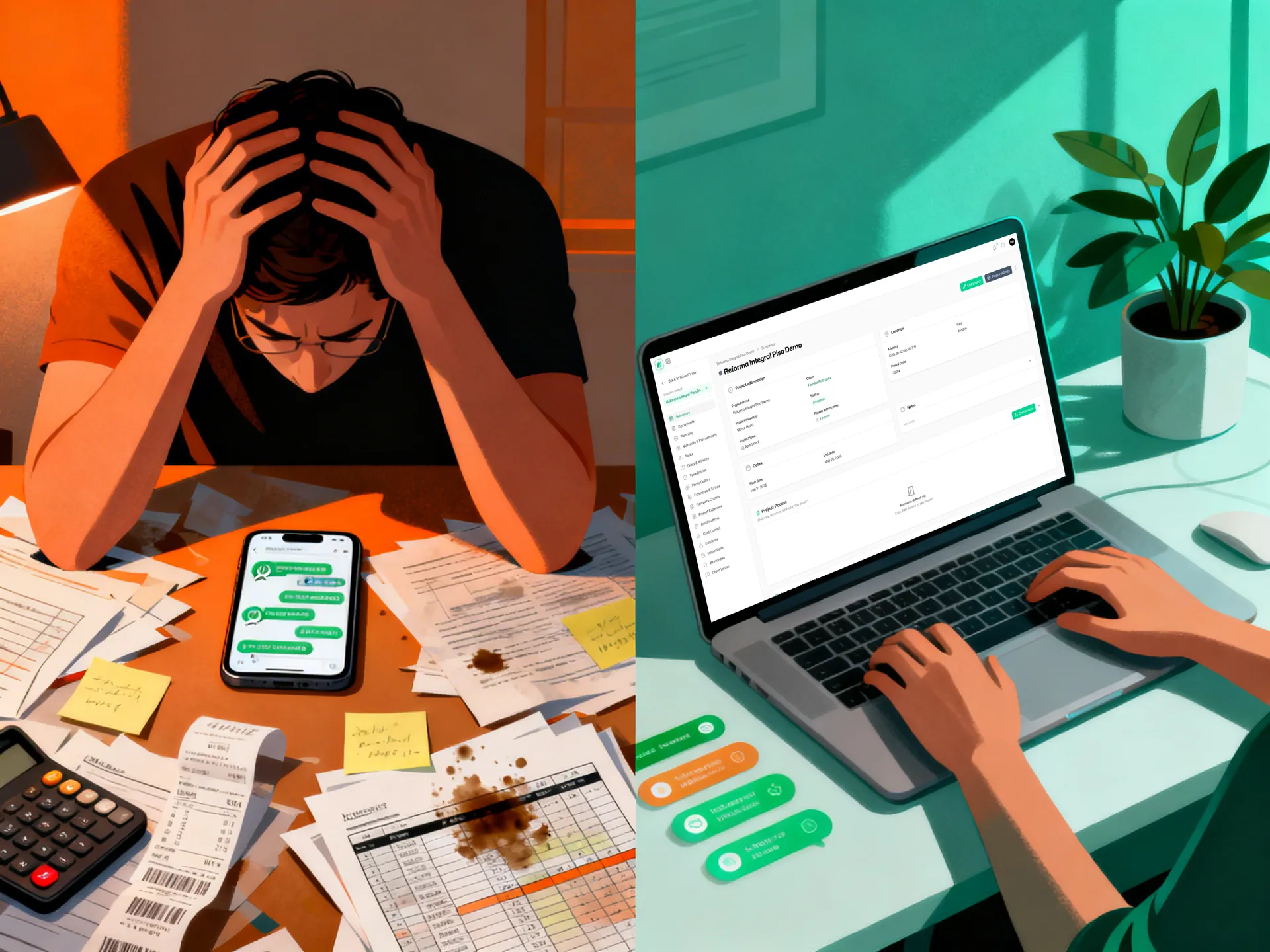
The real value comes from replacing the daily chaos—no more WhatsApp arguments about who was supposed to do what, no more lost photos or unsigned documents, no more manual data entry from paper timesheets.
If your team doesn't use it every day on the job, you're wasting the investment.
Mistake 4: Not Considering Change Management
Even excellent software needs buy-in from your team. Consider:
- How easy is it to get your crews trained? (Training should take hours, not days)
- Does it work on phones your team already has?
- Can you start with one project and expand, or is it all-or-nothing?
- Does the vendor provide onboarding support?
The best software in the world fails if your crews resist using it.
Three Approaches to Construction Project Management (and Why Two Don't Work)
Let's be honest about what small teams currently do and where each approach breaks down.
Approach 1: Spreadsheets and WhatsApp
How it works: Timesheets in Excel, project schedules in Google Sheets, daily communication in WhatsApp groups, photos stored in phone galleries.
Why teams choose it: No new tools to learn. Everyone already has these apps. Zero cost.
Why it fails:
- No central source of truth. Version control is a nightmare (which budget spreadsheet is current?)
- Communication is scattered and unsearchable. Critical details get buried in 500 messages.
- Time tracking is self-reported and unverifiable. Disputes are common.
- Photo documentation is disorganized. Try finding that specific concrete pour photo from three weeks ago.
- No compliance trail. Safety sign-offs exist only on paper or in people's memories.
- Scaling beyond 5-10 people becomes chaos.
Hidden cost: Losing 2-5 hours per week to data entry, lost information, rework caused by miscommunication, and billing disputes.
Approach 2: Generic Project Management Tools (Monday.com, Asana, Notion)
How it works: Use general-purpose project management platforms and customize them for construction.
Why teams choose it: Moderate cost, familiar interfaces, flexible.
Why it fails:
- Not designed for site-based workflows. GPS verification, offline photo capture, and digital signatures require workarounds.
- Generic tools lack construction-specific features like SAL certifications, quality inspection checklists, and material tracking.
- Mobile experience is optimized for office work, not muddy job sites.
- Integrating time tracking, photos, and compliance documentation requires patches and manual processes.
- You're paying for features you don't use (marketing automation, HR tools, etc.)
Hidden cost: Your team still spends time switching between tools (photos app, time tracker, Asana, spreadsheets). You're not replacing the chaos; you're just adding another platform to it.
Approach 3: Purpose-Built Construction Management Software
How it works: Software built specifically for construction workflows, with features designed around how construction teams actually work.
Why teams choose it: Centralized source of truth. Mobile-first. Built-in compliance. No wasted features.
Why it works:
- Every feature serves the construction workflow. GPS, photo tagging, signatures, and offline capability are native, not hacked on.
- Your team uses it instead of WhatsApp and spreadsheets, not in addition to them.
- Compliance documentation is automatic. Legal signatures, timestamps, and audit trails are built in.
- Mobile apps work on standard phones with offline capability. No special equipment needed.
- Pricing reflects the value: typically $200-500/month for a small team instead of $2,000+.
ROI: One week of recovered productivity from eliminated miscommunication pays for a year of software.
Why Tabiquo Was Built for Small Construction Teams
There's a reason specialized construction software exists: the needs of a 10-person renovation company and a 500-person national contractor are completely different.
Tabiquo was built from the ground up for the small construction teams that dominate Spain, Italy, and beyond. Here's what that means:
Built for Job Sites, Not Office Desks
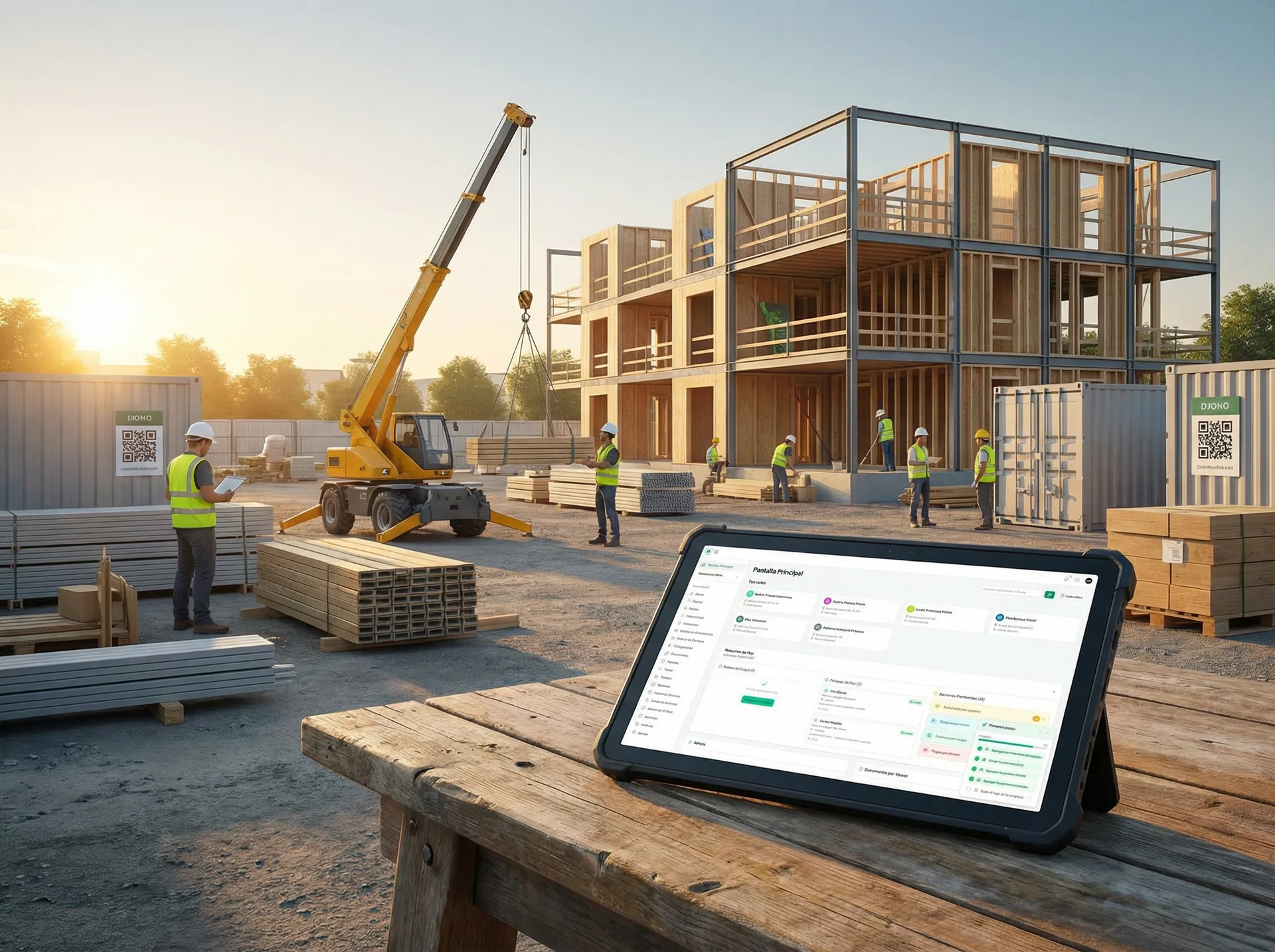
Tabiquo is web-based and available as a PWA (Progressive Web App), which means your team accesses it through a web link on any phone—iOS, Android, old Android, budget smartphones. No app store required. No "you need to update the app" delays. On-site teams appreciate the simplicity.
GPS-verified photo documentation, offline time tracking, and digital signature capture work smoothly on standard jobsite conditions: poor WiFi, battery drain concerns, muddy screens.
Replaces the Chaos, Not Adds to It
Instead of WhatsApp groups, spreadsheets, and scattered PDFs, your team has:
- A shared project dashboard where everyone sees the current status
- A digital site diary that replaces paper notebooks and emails
- GPS-verified time tracking with photos, so there's no argument about who was on site when
- Centralized document management with version control, so everyone uses the current plans
- Cost tracking that lets you see budget reality in real time
- Client portal that gives visibility without daily status emails
Most small teams report losing 10-15 hours per week to communication overhead and data entry. Tabiquo eliminates that.
Compliance and Legal Protection Built In
Tabiquo captures legally valid digital signatures on the site diary, quality inspections, and material certifications. Every entry is timestamped and GPS-verified. This documentation is invaluable if a dispute arises, or if you need proof of SAL certifications, safety sign-offs, or quality acceptance.
No more lost paper trails.
Transparent Pricing That Scales With Your Team
Tabiquo charges per project with a transparent monthly rate, not per-user fees that escalate as your team grows. A small team of 8 pays the same as a team of 20 on the same projects.
30-Minute Setup, Not 30-Day Implementation
You start capturing data on your next project, not after weeks of configuration. Onboarding is built for small teams that need to move fast.
How to Choose: A Checklist
As you evaluate construction management software, ask yourself:
- Does it work reliably offline and on standard phones? (Not in an app store, so crews can access it instantly)
- Does it eliminate WhatsApp and spreadsheets, or add to the tool stack?
- Does it capture legally valid compliance documentation?
- Is pricing transparent and affordable for small teams? (Under $500/month for 5-10 people?)
- Can I start with one project and expand?
- Is the mobile experience built for job sites, not offices?
- Do I get meaningful support during onboarding?
If a software checks these boxes, it's worth a deeper look.
Making the Switch: What to Expect
Moving from spreadsheets and WhatsApp to a centralized platform requires some change management, but the payoff is fast.
Week 1-2: Your team learns the basics. GPS photo logging, time entry, and site diary entries feel different at first but become second nature quickly.
Week 3-4: The value becomes obvious. You're no longer digging through WhatsApp to find who was scheduled on Tuesday. Budgets are current. Photos are organized. Subcontractors see their invoices instantly.
Month 2+: You start catching problems earlier (budget overruns, schedule drift, quality issues) because the data is visible in real time. You recover 5-10 hours per week that used to go to data management and communication.
Most small construction teams report similar patterns: the first month brings clarity as everyone adjusts to having one central source of truth, and by month two the team begins catching problems that would previously have been discovered (if at all) much later.
The Bottom Line
Construction site management software isn't a luxury for small teams—it's an efficiency multiplier. The question isn't whether to centralize your data and communication, but which tool fits how you actually work.
Enterprise tools like Procore are powerful but built for a different scale. Generic project management platforms are flexible but miss construction-specific workflows. Spreadsheets and WhatsApp are free but cost you hours every week in chaos.
The sweet spot for small construction and renovation teams is purpose-built software that:
- Works on job sites, not just in offices
- Eliminates your current tool sprawl instead of adding to it
- Captures compliance documentation automatically
- Costs what a small team can afford
- Requires minimal setup and training
Ready to see what centralized construction management looks like for your team? Start a free trial of Tabiquo — no credit card required. See how GPS time tracking, site documentation, and real-time budget visibility work together for your specific workflow.
Next Steps
If you're managing a small construction or renovation team in Spain, Italy, or across Southern Europe, here's how to move forward:
1. Start with a free trial. No credit card, no commitment. See how your team responds to having GPS time tracking, site documentation, and budget visibility in one place.
2. Run a pilot project. Don't switch your entire business overnight. Pick one active project, get your core team using the software for two weeks, and measure the difference in communication clarity and data visibility.
3. Talk with our team about your specific workflow. Construction companies vary. Some focus on renovation, others on larger builds. Some use subcontractors heavily, others handle most work in-house. Schedule a demo to see how Tabiquo adapts to your specific needs.
Frequently Asked Questions
Q: Does Tabiquo integrate with our accounting software?
A: Tabiquo allows you to export financial data in standard formats (CSV, Excel) that integrate with most accounting software. Cost data captured on job sites can flow to your invoicing process without manual re-entry.
Q: What if my team refuses to use new software?
A: Most resistance fades after two weeks when the time-saving becomes obvious. The mobile app works on phones they already have, and the learning curve is shallow. We include onboarding training and support to help your team transition smoothly.
Q: What happens to our data if we leave Tabiquo?
A: Your data is always yours. You can export all project data, time logs, and documents at any time in standard formats (Excel, PDF, etc.).
Q: Can we use Tabiquo if we work in multiple countries?
A: Yes. Tabiquo supports multiple languages, currencies, and compliance standards (including SAL certifications for Spain and Italy, and other regional requirements). Many of our users operate across both countries.
Q: How much does Tabiquo cost?
A: Tabiquo offers affordable project-based pricing with no per-user fees that scale as your team grows. See our pricing page for current details and options that fit your team size.